Log and plan
Build the day the way the gym posts it, before the workout or after it.
Your week, one tap per day
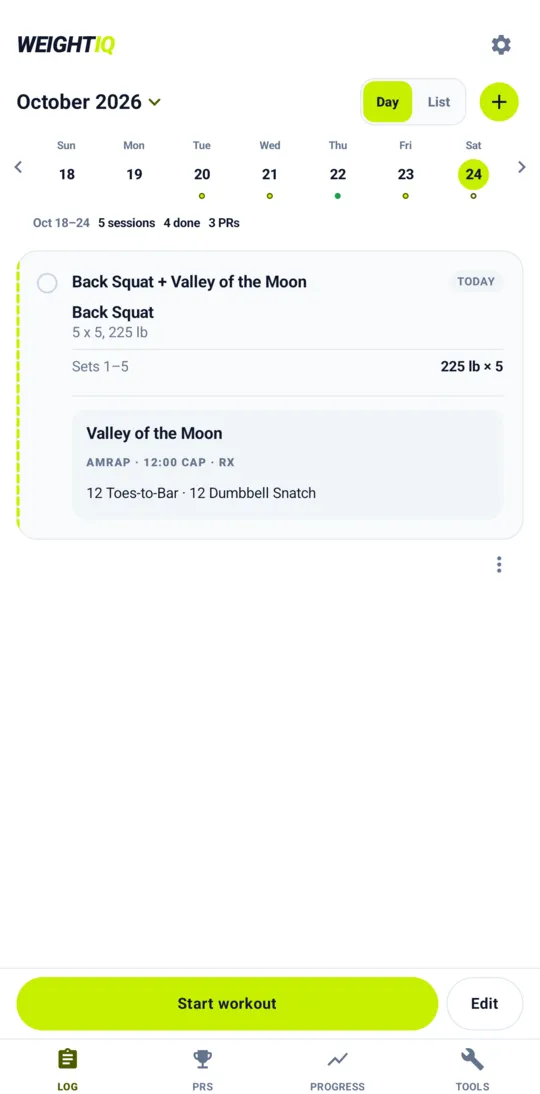
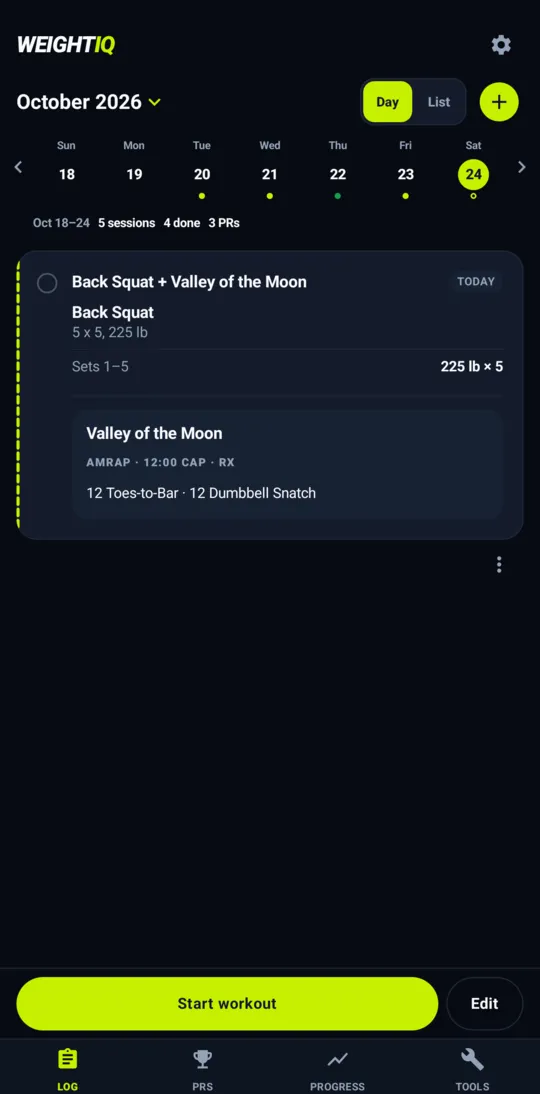
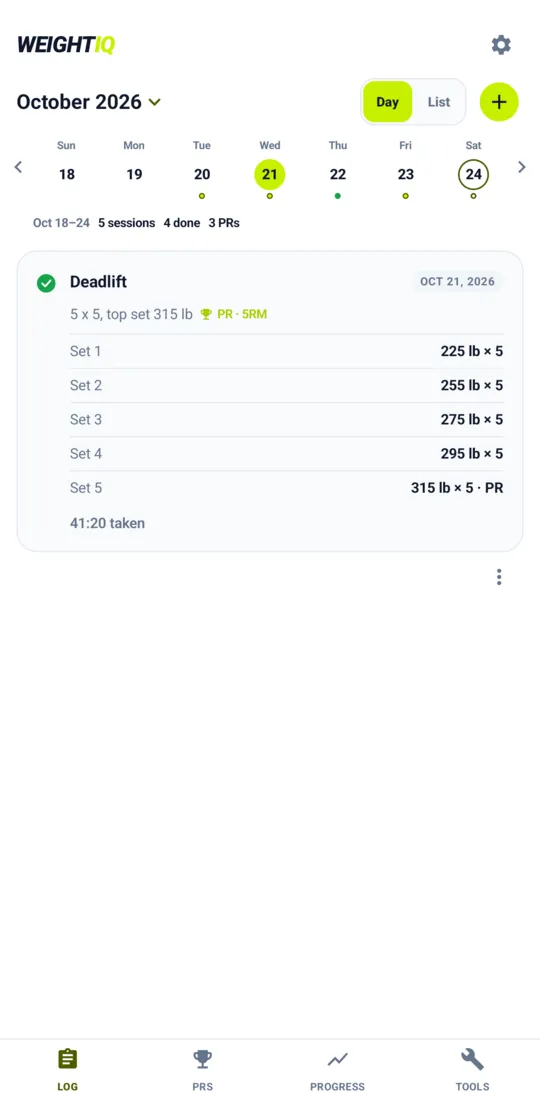
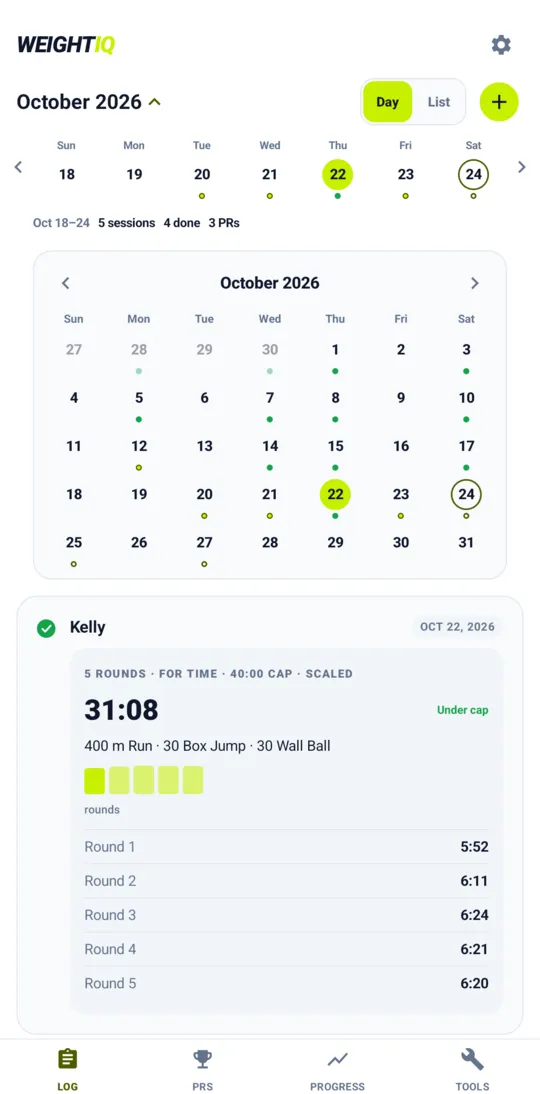
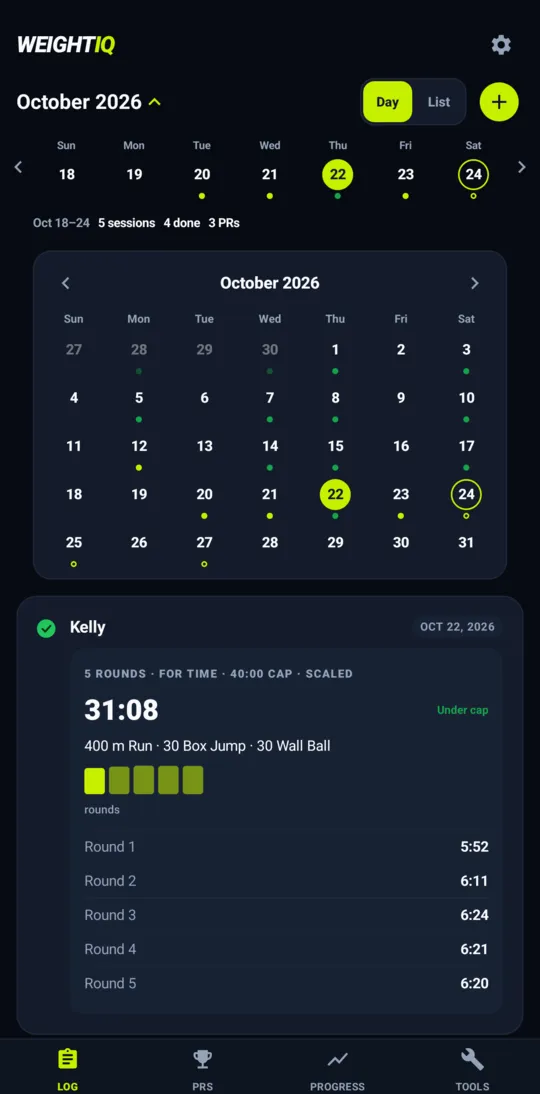
The week runs along the top with a dot for every planned, done and PR day. Tap a date to see that day's workout with every set or round, open the month calendar, or switch to the list. The app starts on the day and remembers your choice.
Lifts, sets and reps
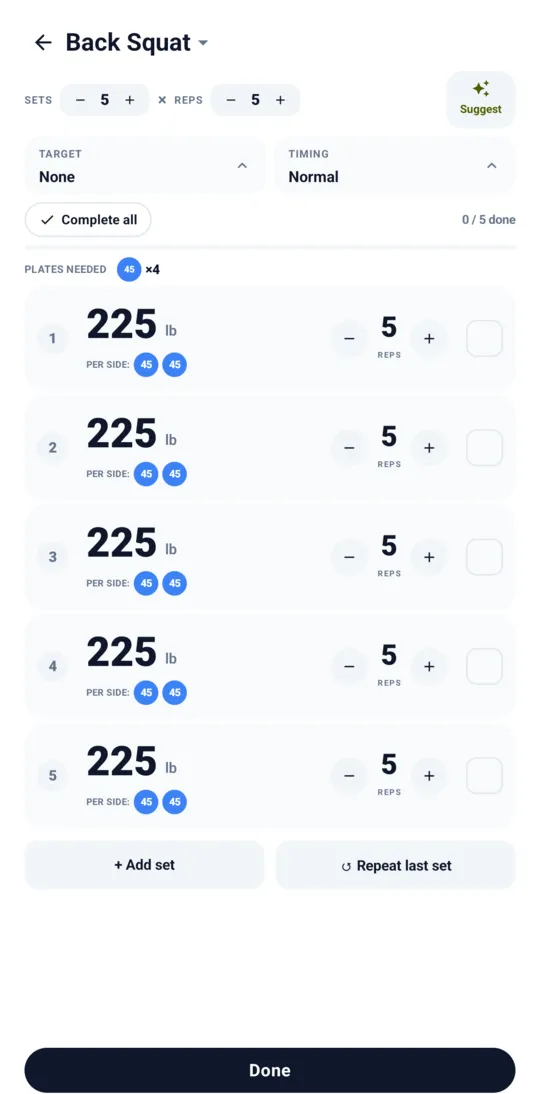
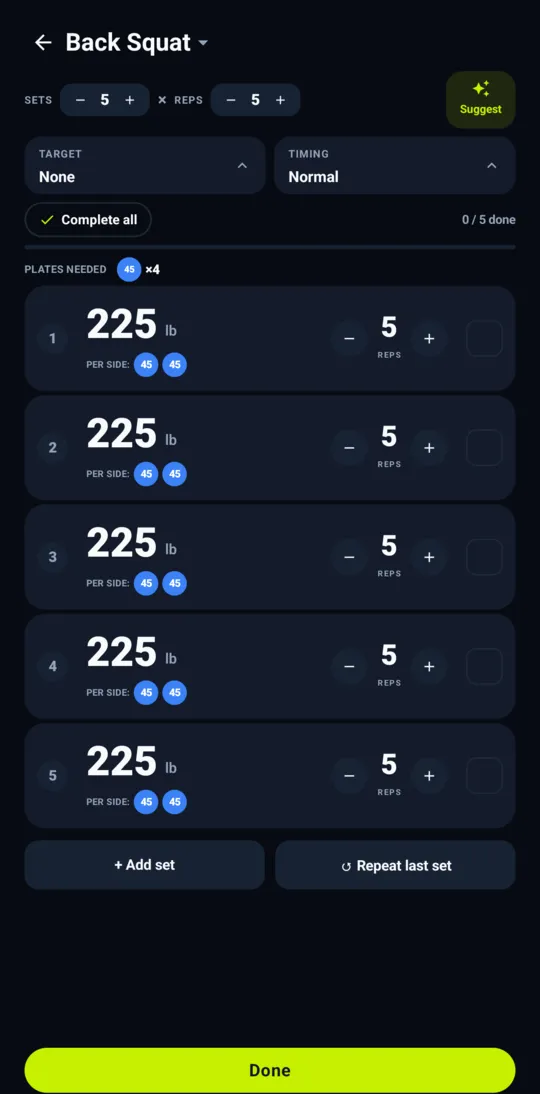
Every set at its own weight and reps. Quick start a 5 x 5, prefill from last time, log reps-only moves, carries, runs, holds and calorie efforts.
Conditioning too
AMRAP, rounds For Time, total reps and calories, with time caps, scaling levels (Rx, Intermediate, Scaled) and your result on every card.
Several blocks per day
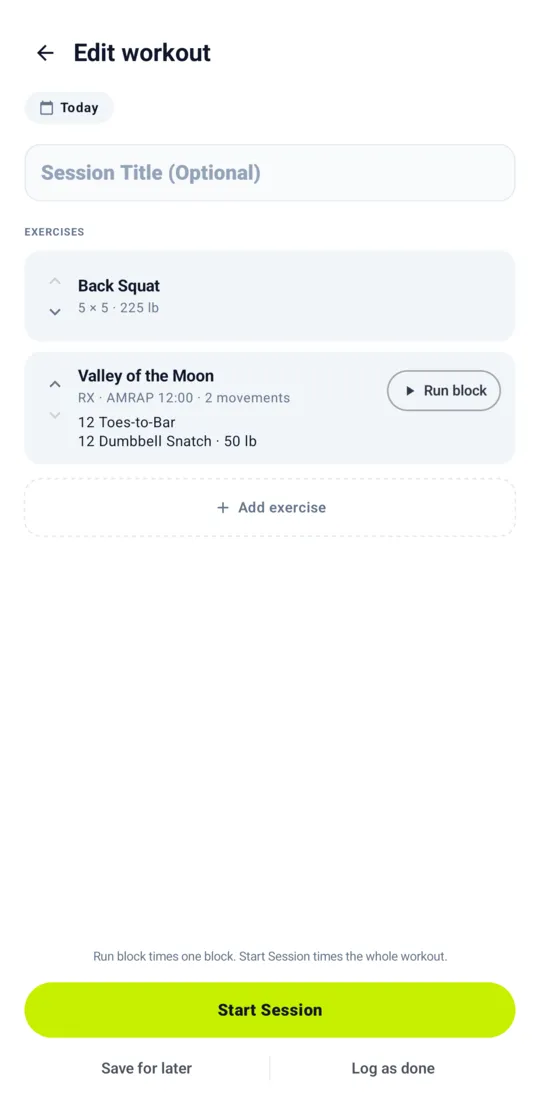
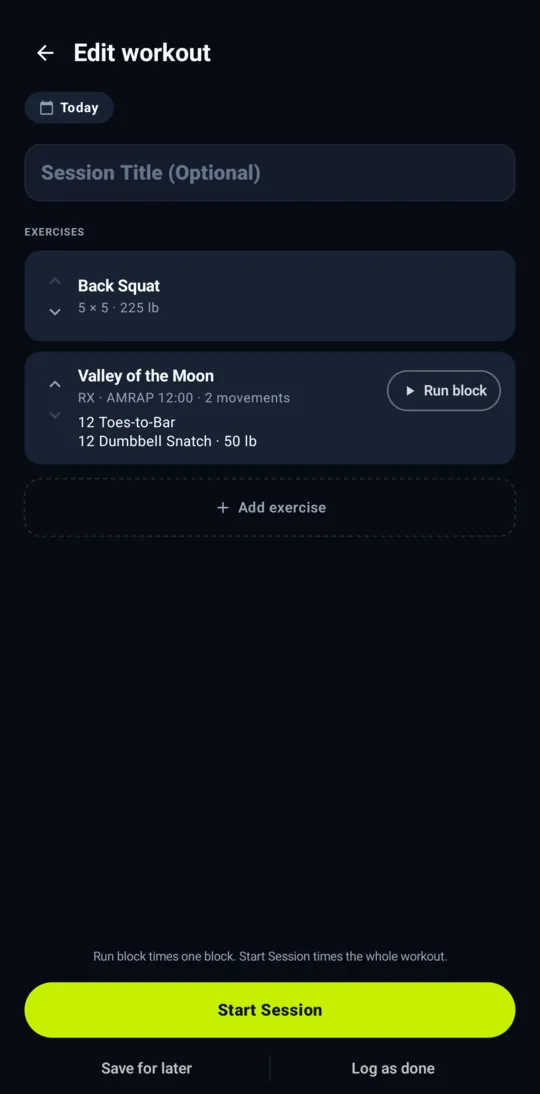
Strength, then conditioning, then more. Add, move and remove blocks any time, plan first or log afterwards, and pick the date for a workout you forgot.
Paste a workout Pro, coming soon
Paste the workout of the day, check the preview, and turn it into a plan you can run.
Supersets
Tap the chain between two or more exercises to link them. Turn an old workout into a superset afterwards, with an Undo if you tapped by mistake.
Suggest sets
Percent of your 1RM or a build-up to a heavy attempt, in four build-up styles, and the next target after a finished lift. Pick a Target for the top set (type your 1RM if the app does not know it yet) and set an every-minute Timing.
Run the workout
A live view made for the gym, one-handed and between sets.
Complete set, always in reach
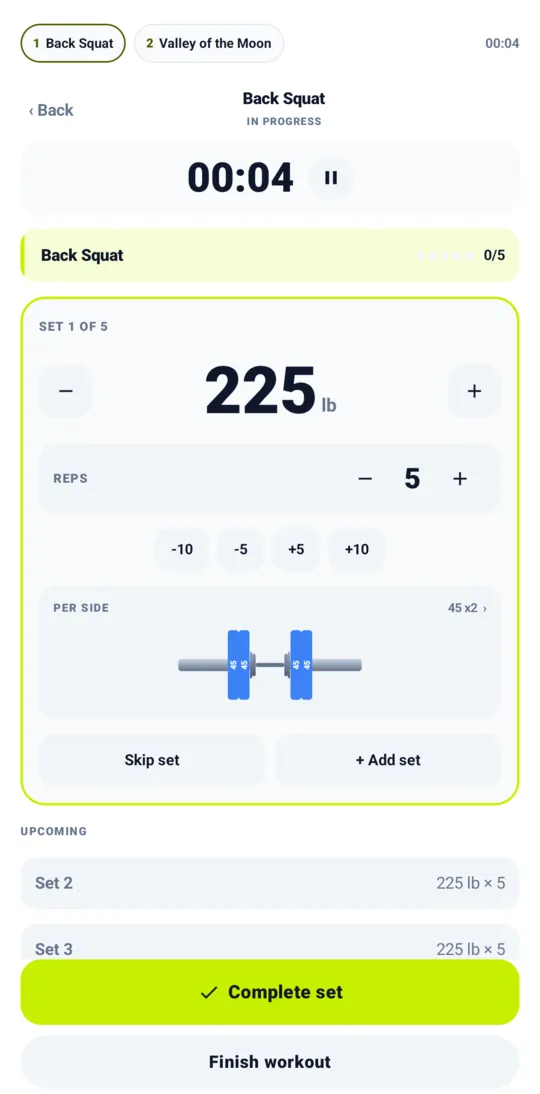
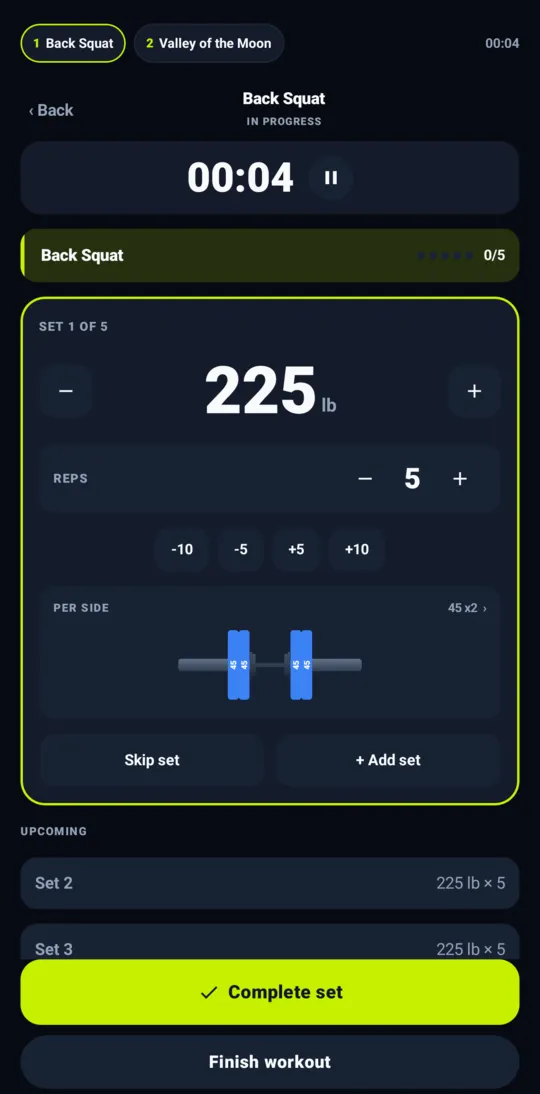
Big weight and reps with plate-sized steps, Skip and Add set, and your plan stays visible when you change a number.
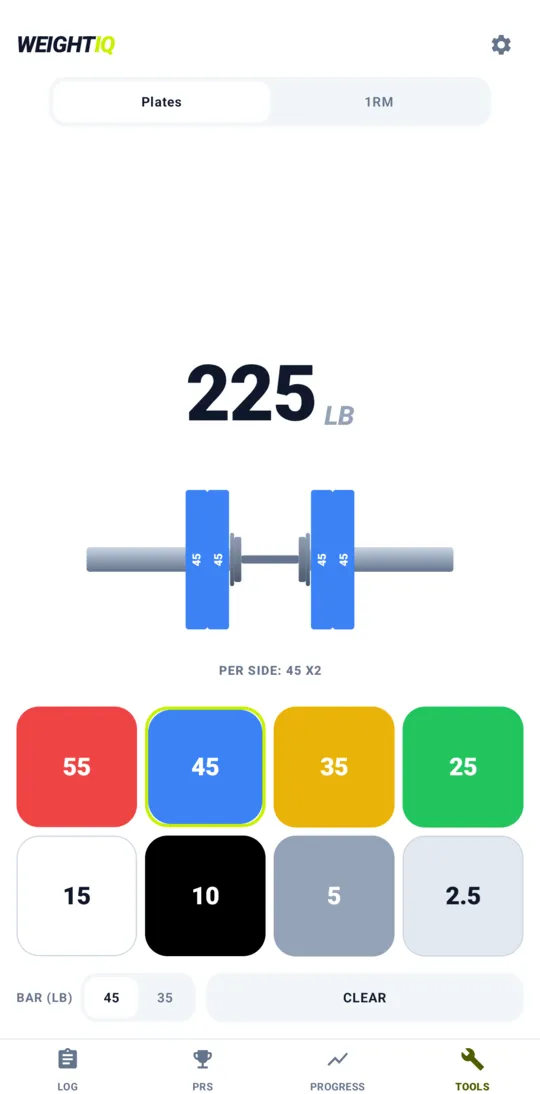
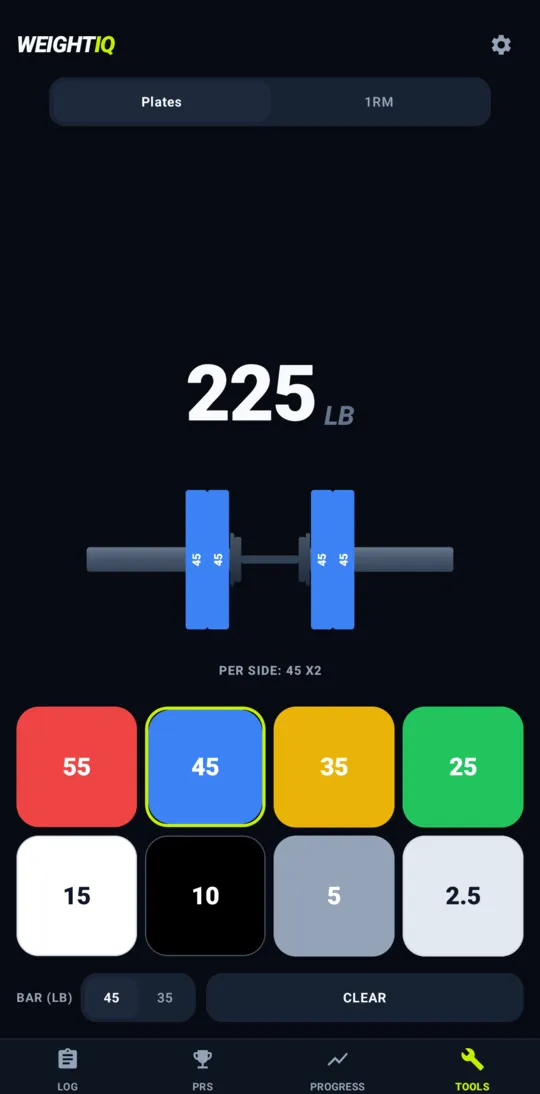
Plates for each side
A barbell picture shows exactly what to load, for barbell lifts only, so a dumbbell lunge does not waste your screen.
Supersets run themselves
WeightIQ alternates A1, B1, A2, B2, shows the member strip, what is next and when the round is done. A has the rounds, the others follow.
Timers that fit the workout
A stopwatch with pause, an AMRAP clock, round splits for For Time and entry for total reps and calories.
Jump between blocks
A strip across the top shows every block of the day. Tap one to jump to it, and a finished block stays open to adjust before you save.
Pick up where you left off
Close the app between sets and carry on with your sets, in the right place in the superset.
Screen stays on
The screen stays awake while you train, and turns off after 15 minutes without a touch or when the battery is under 20%. You can switch it off in Settings.
Understand your training
See what you did, what it is worth and where you are heading.
PRs, found for you
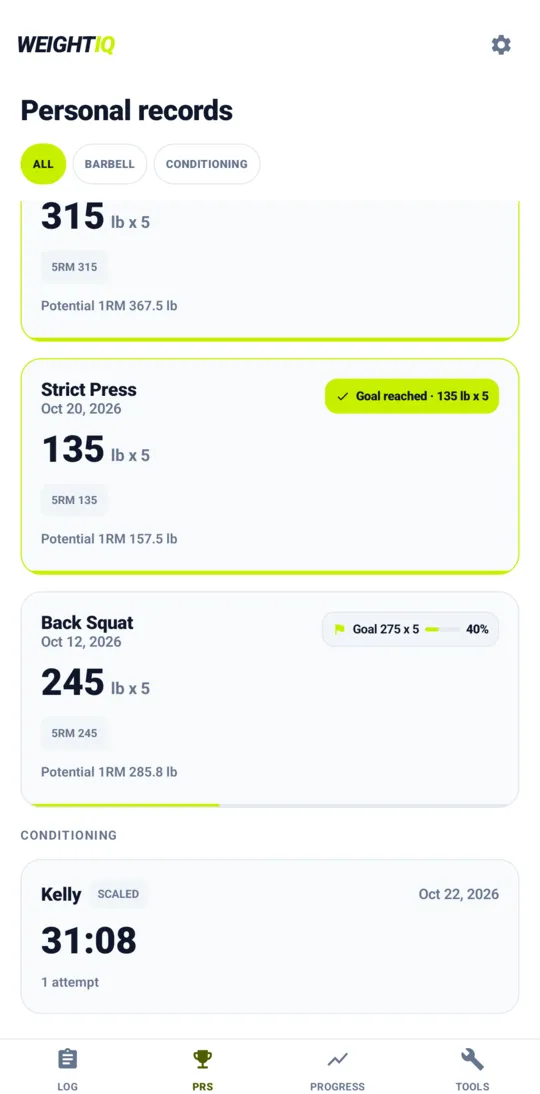
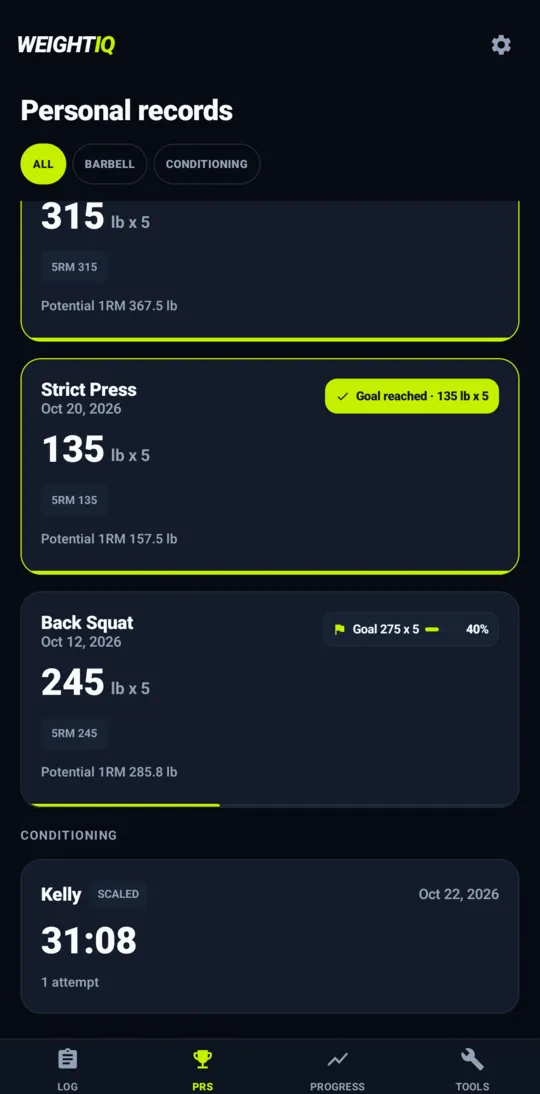
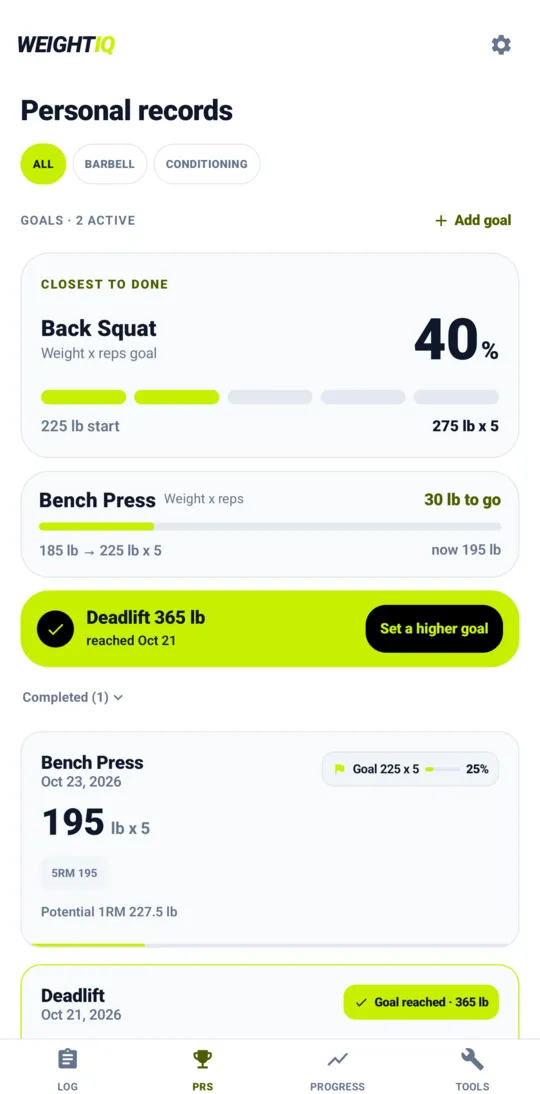
New records by rep range (1RM, 3RM, 5RM and more) the moment you set them, on a PR board, with the best of each conditioning workout and level.
Estimated and potential 1RM
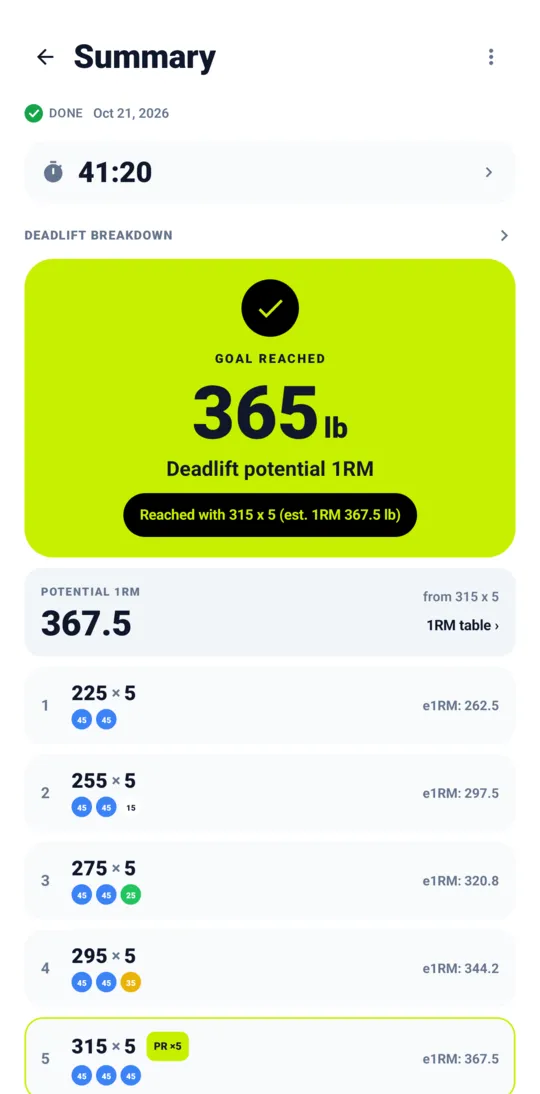
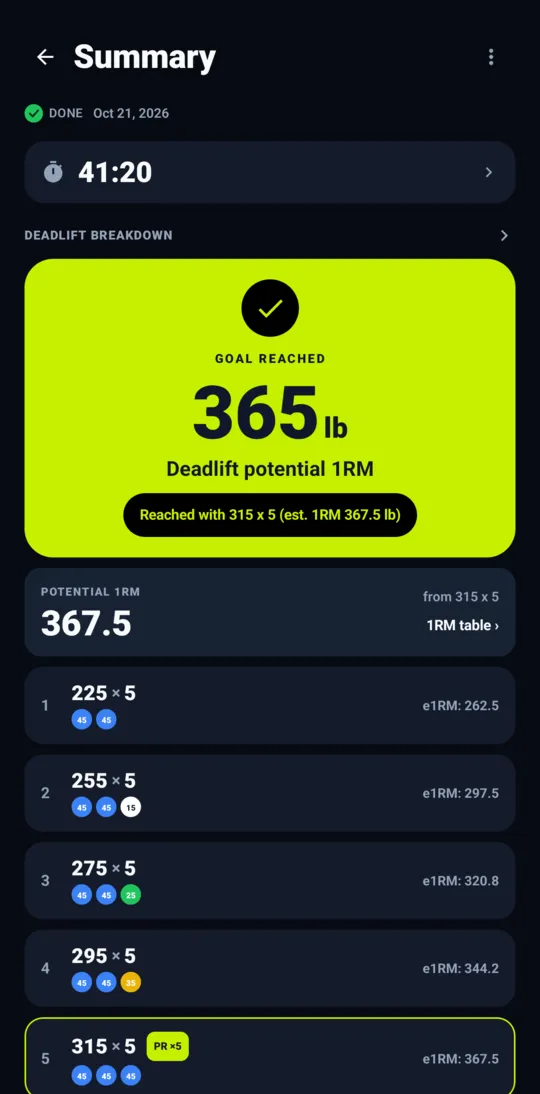
Every set shows its estimated 1RM, and every exercise your potential 1RM from your best work, with the full 0 to 100 percent table.
Summary of every session
Per exercise: sets, plates, PR badges, next-time suggestion and time taken. Supersets read as one group.
Progress you can see
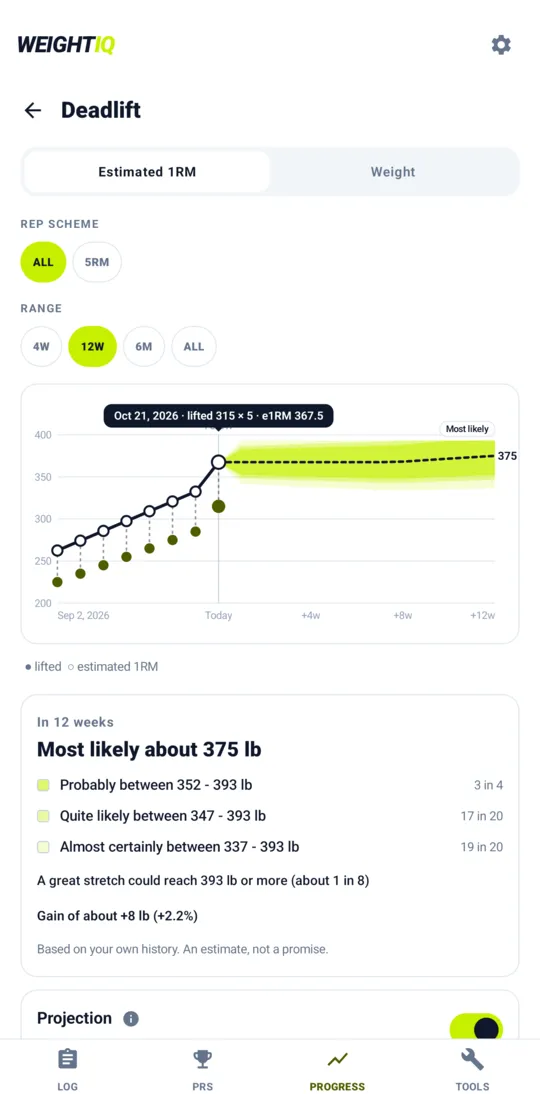
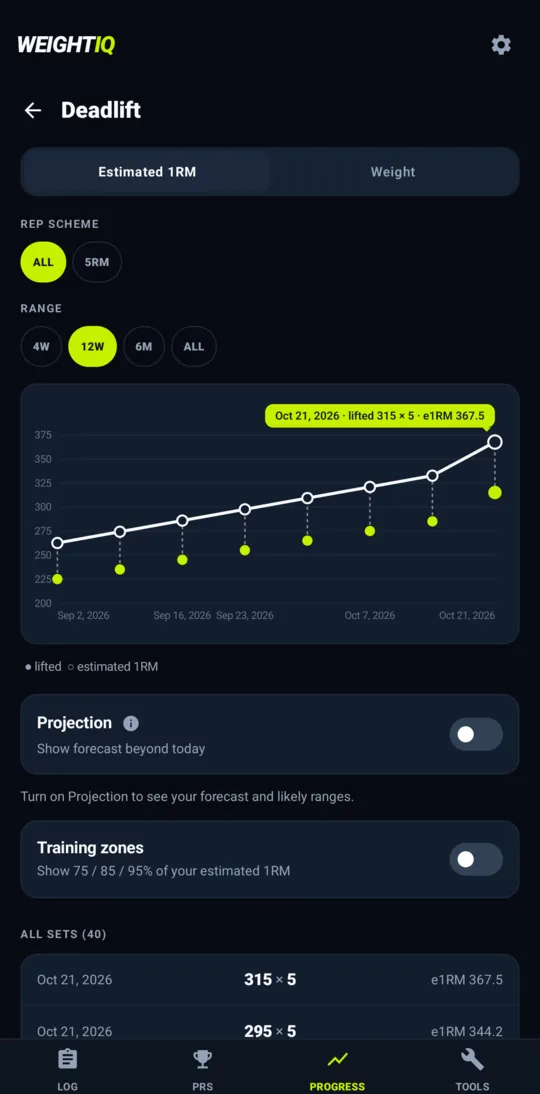
Charts of weight lifted and estimated 1RM with filters, training-zone lines and an honest projection with confidence bands; distance, time and calorie charts too.
Share a summary
Send a workout summary to a friend, a coach or your notes with the share sheet.
Reset or repeat a workout
Reset a workout to start it again, or clone a finished one as a new planned session. Reset also clears a conditioning block.
Set goals, reach them
Pick a number and let WeightIQ do the tracking.
Goals for lifts and times
Aim at a weight and reps, a potential 1RM, a fastest time or a longest hold, with an optional by-when date and a note.
Always see what is left
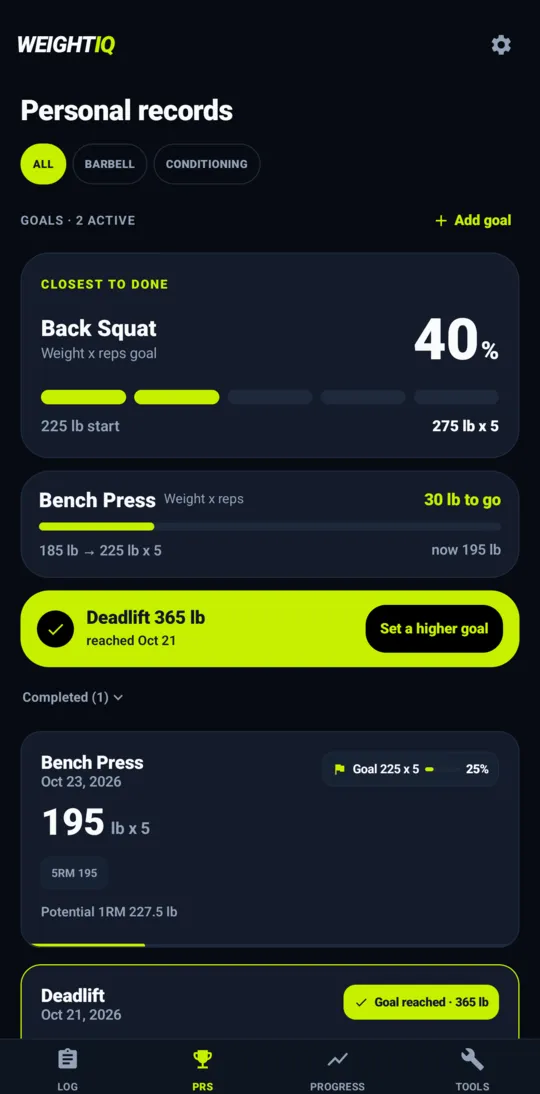
The goal closest to done leads the PRs tab with its percent, and every goal shows what is left to go. Goal chips also appear on PR cards and in Progress.
Reached automatically
A goal is marked reached as soon as a set meets it, even when you edit a workout or import history, and the Summary celebrates the workout that got you there.
Tools and library
Useful with no data at all.
Plate calculator
Weight to plates and plates to weight, 45 or 35 lb bars (20 or 15 kg), the nearest weight you can make, and your own home-gym plates.
1RM and percent calculator
Epley estimate with the rows of the percentage table opening straight in the plate calculator.
A big exercise library
About 140 barbell, dumbbell, kettlebell, Olympic, gymnastics and conditioning movements with the shortcuts you type (T2B, C&J, HSPU) and scaling options.
Your own exercises
Create exercises with their category, how they are measured and what they are loaded with. Archive with Undo.
Import your history
Bring your lifts in from a CSV file and see your PRs and charts straight away.
Back up and move your data
Export everything to a file you keep, and import it on a new phone or another build. An import adds and updates, and never wipes what is already there.
Made for tired hands
You train hard; the app should not punish a slip.
Asks before deleting
Deleting or resetting a workout always asks first, with Keep workout as the big button.
A short tour
A few quick steps show where things are, and what is new after an update. Replay the tour any time in Settings.
Undo that lasts
Every undo stays on screen long enough to notice and react.
Light, dark, lb, kg
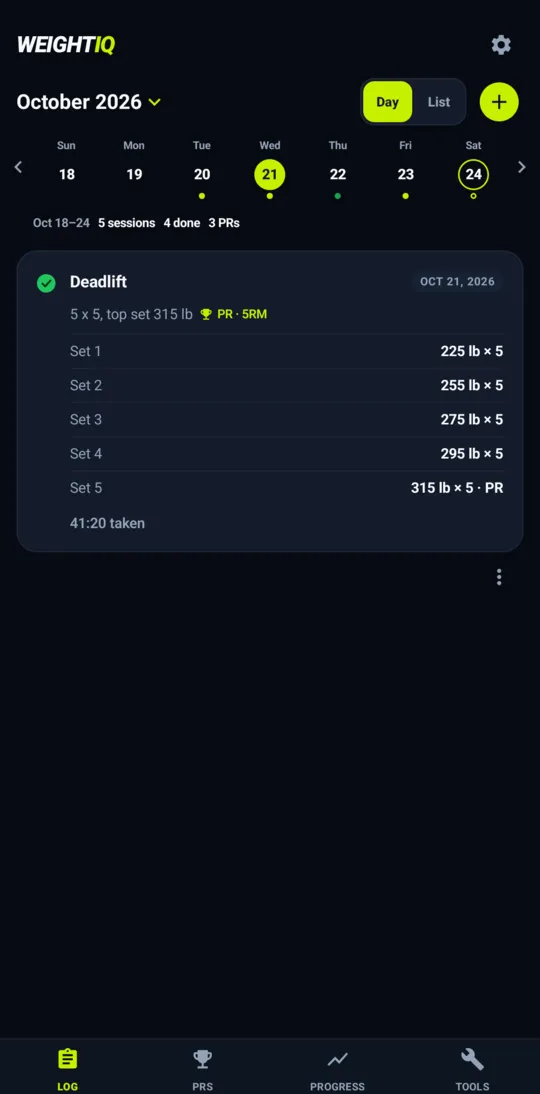
Pounds or kilograms, light or dark, and it respects your phone.
Private by design
WeightIQ has no account and no sign-in. Everything you log is stored on your device. The app has no ads and sends nothing you enter: only anonymous crash and usage reports, which you can switch off in Settings → Privacy. Read the privacy policy.
Honest numbers
Estimated 1RM, percentage zones, warm-up ramps and progress projections are estimates built on published research and common conventions, and they can be wrong for you. See the science behind the numbers. WeightIQ is a training log, not medical advice or a personal trainer: lift with caution and read the safety notice.
Ready to lift?
Download WeightIQ and log your first set in a minute, on Android, iPhone and iPad, or in your browser.
If Google Play says the app is not available after you join, wait a few minutes and try again. On iPhone and iPad, install Apple's free TestFlight app first, then tap Join the test. Questions? [email protected]